SSD Prices Are Soaring… But Most Photographers Are Creating Their Own Storage Problem
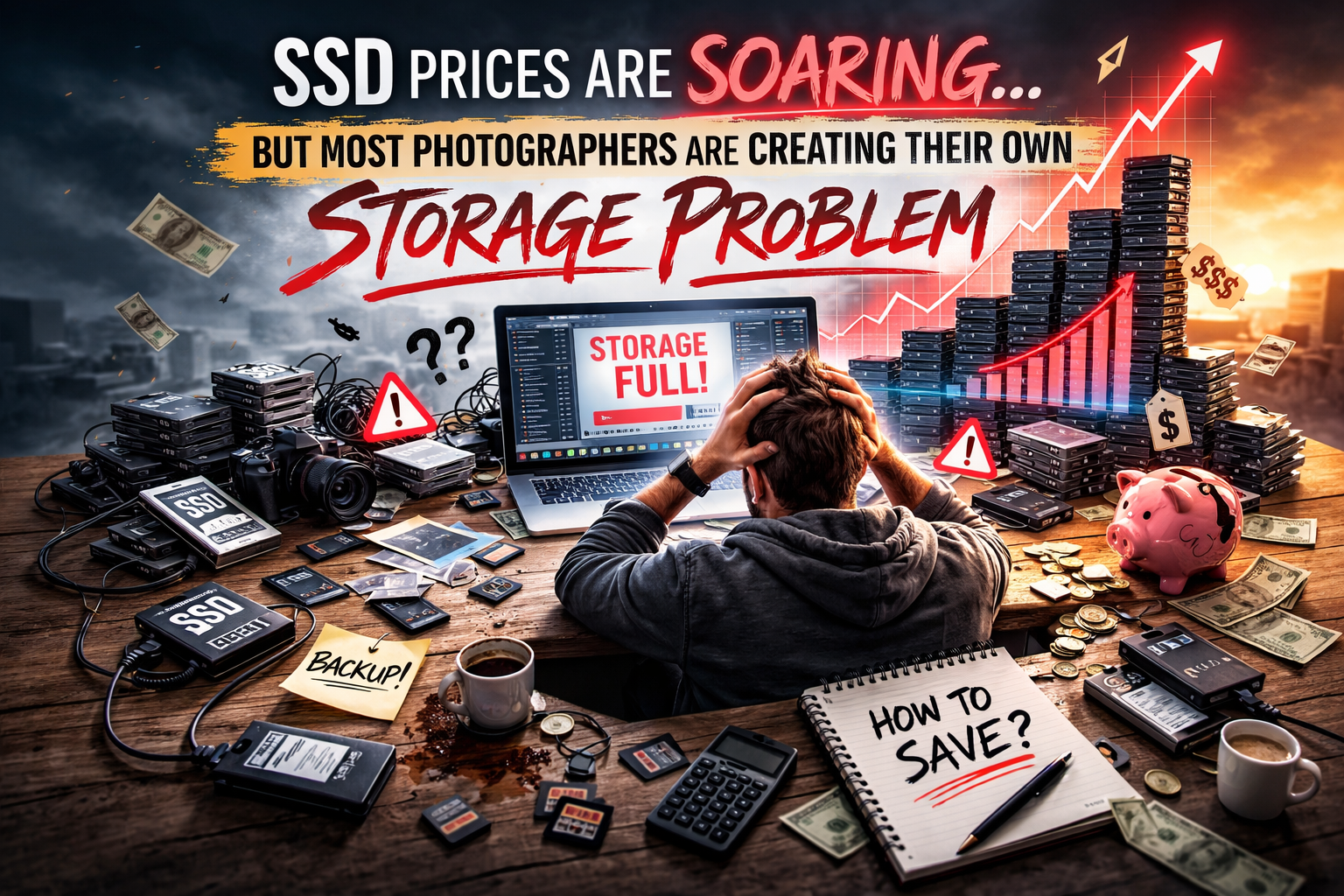
Let’s be real for a second.
If you’ve been staring at storage drives like they’re irresistible, you’re not alone. SSD prices are actually going up — and people are talking about it everywhere. Some blame AI. Some blame politics. Some think aliens are involved.
The truth is simpler, and if you understand it, you’ll save yourself money and sanity.
📈 Why SSD Prices Are Rising (And It’s Not Just “Tech Companies Being Greedy”)
Before we dig into your storage workflow, you need context — because understanding the why helps you work smarter.
Here’s what’s really happening:
1. The memory market is in a supply crunch
Flash memory — the heart of every SSD — is in short supply. Manufacturers have reduced production capacity compared to past years, making chips that power SSDs harder to come by.
2. AI data centers are gobbling up storage
Huge cloud and AI infrastructure companies are buying massive amounts of flash memory for their servers. These purchases aren’t small — they dominate the market and tighten supply for everything else.
3. Manufacturers prioritize high-margin enterprise products
Instead of making tons of consumer SSDs, memory makers are focusing on server and AI-grade storage because the contracts are bigger and more profitable. That leaves less NAND memory for regular drives.
4. The trend isn’t disappearing soon
With demand still increasing and supply limited, prices are expected to stay elevated through at least 2026–2027.
Bottom line: SSDs aren’t expensive because someone wants to punish photographers… they’re expensive because the entire global memory industry has shifted.
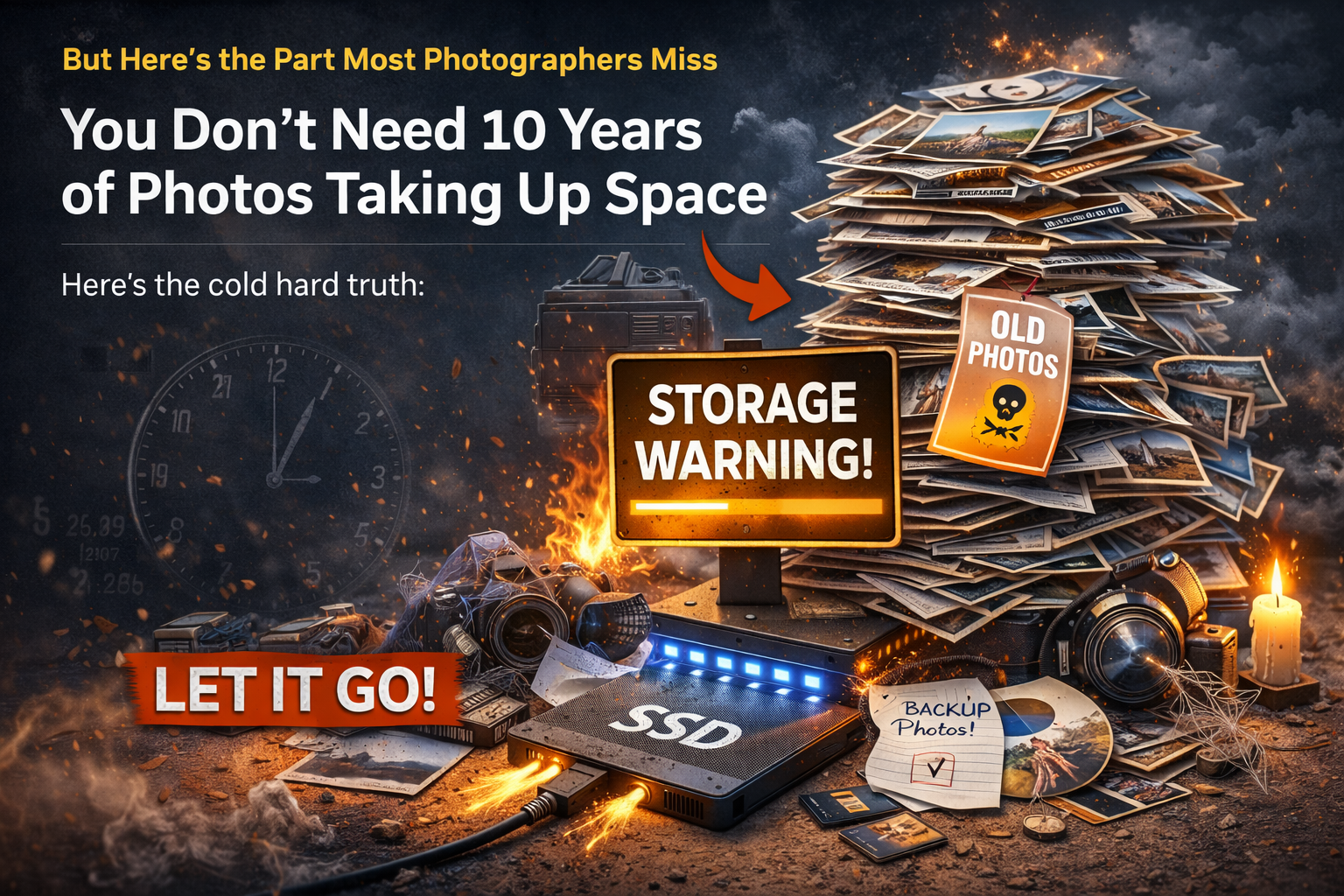
But Here’s the Part Most Photographers Miss
Even though SSD prices are up, your storage problems aren’t being caused by the market — they’re being caused by YOUR habits.
Let’s break it down.
1. You Don’t Need 10 Years of Photos Taking Up Space
Here’s the cold hard truth:
You do not need:
✔ Every session you’ve ever shot
✔ Every edit, every reject, every practice file
✔ Photos from when you first learned lighting
Unless your contracts explicitly state you store files for a set number of years, you aren’t required to keep them forever.
Most photographers keep old stuff because they’re scared:
“What if the client comes back?”
“What if they lose their gallery?”
“What if I need this someday?”
Look — I get it. But this isn’t a garage sale where everything might sell eventually.
You deliver the final images.
You fulfilled your obligation.
And the chance someone asks for RAW backups four years later is so tiny it shouldn’t dictate your storage strategy.
That’s digital hoarding, not professionalism.
2. Storage Problems Are Usually Decision Problems
When your drive fills up, it feels like a storage crisis.
But it’s rarely a hardware crisis.
Ask yourself:
✔ Are you keeping five versions of the same file?
✔ Are you storing practice sessions that never became portfolio pieces?
✔ Are you afraid to delete files because you might need them?
That’s not a storage shortage — that’s avoidance.
Fix your decisions first, and the storage issue often fixes itself.
3. SSDs Are Great — But You Don’t Need Them For Everything
SSDs are awesome.
They’re fast.
They’re responsive.
They make editing smoother.
But here’s how most photographers use them wrong:
They treat SSDs like a warehouse instead of a workspace.
Let’s be practical:
SSD = Active projects
HDD = Archive storage
Hard drives (HDDs) cost a fraction per terabyte and are perfect for long-term archives. You can store completed sessions, exports, final galleries — anything you don’t need every day — on cheap HDDs without panic.
Complaining about SSD prices while refusing to use HDDs is like…
Renting luxury office space just to store old boxes.
Stop doing that.
4. A Simple, Smart Storage Workflow
Here’s a workflow that eliminates 90% of your storage headaches:
Import and edit on SSD
Deliver final images to client
Back up delivered files
Move the full project to HDD
Delete unnecessary RAW files after X months
Boom — problem solved.
You get speed when you need it and low cost for everything else.
No panic. No wasted money.
5. Contracts Define Your Responsibilities — Not Fear
If your contract says:
“We will store final deliverables for X years…”
Then you organize your storage to honor that.
If not?
You set your own policy, and clients agree to it.
Make it clear in your terms what you archive and for how long. That alone will save you terabytes of unused data.
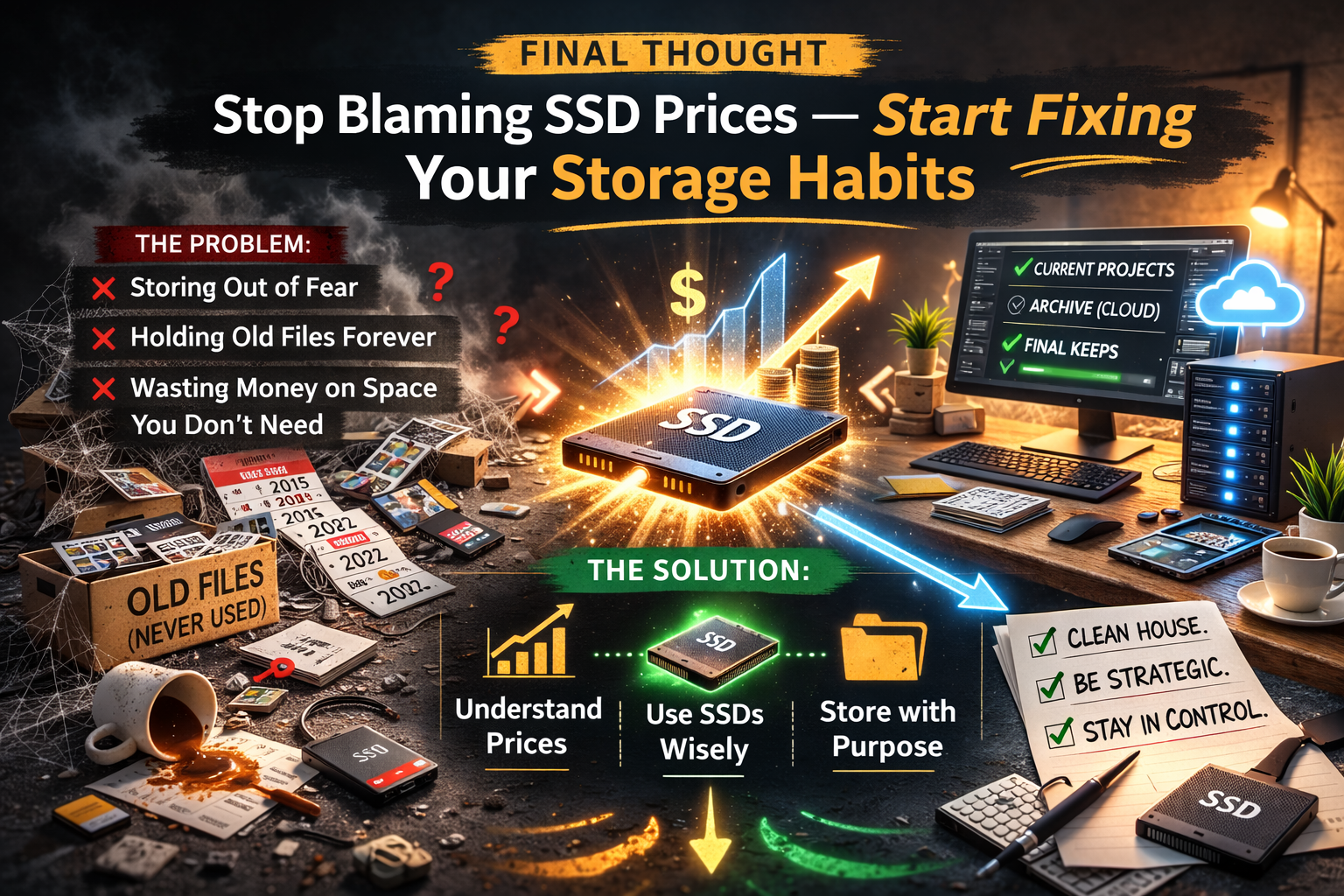
Final Thought
SSD prices rising is real.
But it’s not the cause of your problem.
Your problem is a lack of storage discipline — keeping files out of fear instead of purpose.
Understand why SSDs cost more right now, use them where they matter, and stop wasting money storing files you’ll never use.
Clean house.
Be strategic.
Control what you can control.
Storage is a systems problem — and you just got the solution.